
Send a Zip or Video to Another Device With a Short Code
September 15, 2026
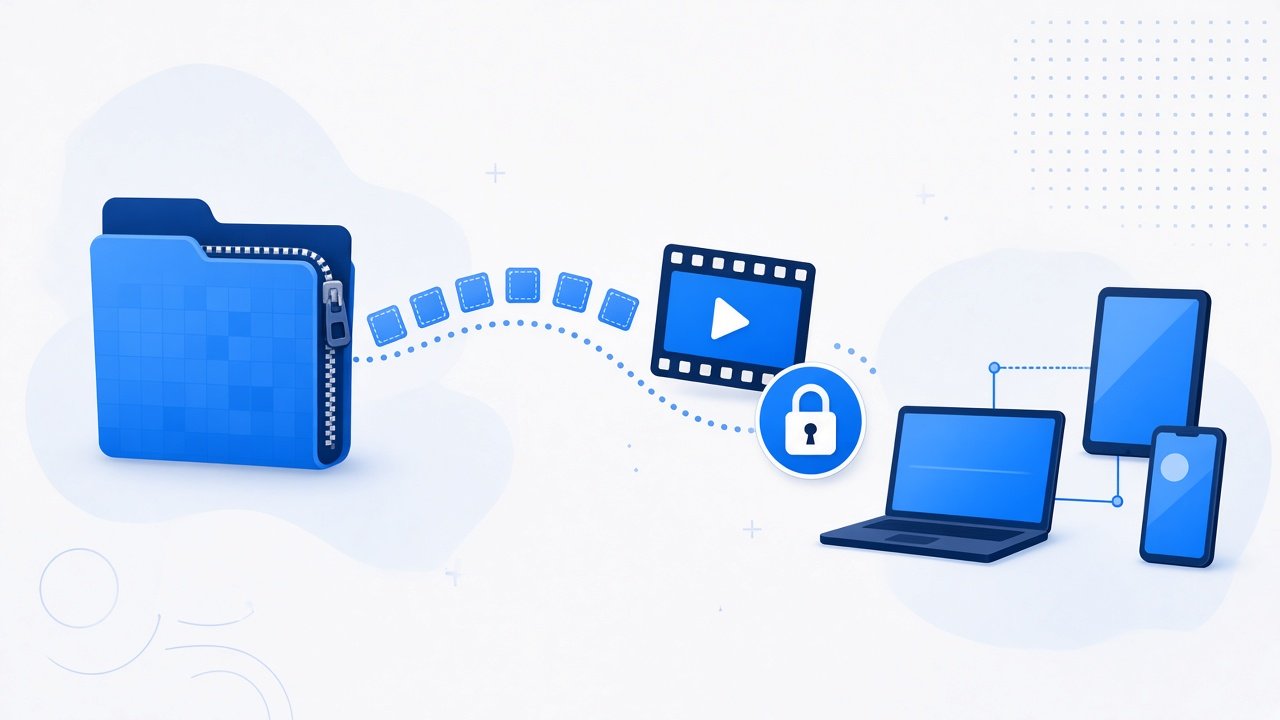
Large zips and videos break the usual sharing habits. Email rejects them, chat apps compress or block them, and USB is useless when the other person is not nearby. A short code transfer lets you upload once, pass a code, and let the receiver download the full file without fighting attachment limits.
Why large files need a different path
Attachment limits exist for a reason, but they do not match real work. A project zip, a recorded demo, or a short film easily exceeds common caps. Cloud links help when both people already share an account ecosystem. They still add account setup, permission clicks, and sync wait time for a one time send.
Short code tools keep the handoff focused. The sender uploads. The receiver enters a code. Nobody needs to join a folder or install desktop sync software for a single package.
Choose the right ShareSafeAI tool
For a single zip or video, start with Quick Transfer. It is built for fast handoffs with a short code.
If you are sending a larger set of files, or you expect a bulk package rather than one item, use Bulk File Share. That path fits multi file deliveries where keeping the group together matters.
If the receiver will download later rather than while you wait, a temporary link from Secure File Share can fit delayed delivery. Use the short code path when both people are ready now.
Send a zip or video with Quick Transfer
- Open Quick Transfer on the sending device.
- Select the zip or video file.
- Create the transfer and copy the short code.
- Send the code through a private channel the receiver already uses.
- Have the receiver open Quick Transfer, enter the code, and download.
Stay online until the download completes. Large files take longer, so do not close the sending session early if the tool requires the share to remain active.
When to switch to Bulk File Share
Use Bulk File Share when the delivery is a folder worth of assets: several videos, a zip plus supporting documents, or a pack of exports that should arrive together. Bulk sharing reduces the chance that one file gets forgotten in a second chat message.
If you are unsure, ask one question: is this one package or many related files? One package favors Quick Transfer. Many related files favor Bulk File Share.
Practical tips for large transfers
Check free space on both sides. The sender needs room for upload buffering, and the receiver needs room for the full download.
Prefer wired or strong Wi Fi. Unstable mobile hotspots stall large videos. A failed download near the end wastes the most time.
Name files clearly before upload. Include a project name and date so the receiver can find the file after it lands in Downloads.
Confirm integrity after download. Open the zip and list contents, or play the start and end of the video. Truncated files often fail only when opened.
Compress thoughtfully. Zip related documents when they belong together. Avoid nesting multiple archives unless the receiver expects that structure.
Sharing the code safely
Treat the short code as temporary access. Send it to the intended person only. Do not post it in a public forum or group where strangers can try it. If the wrong person might have seen the code, create a new transfer instead of hoping the old one stays unused.
Do not put passwords inside the zip name or in the same message as the code if you can avoid it. Keep secrets on a separate channel or use Password Share.
Troubleshooting slow or failed downloads
If the code fails, verify spelling and confirm the share is still valid. If the download stops mid way, retry on a stronger network and avoid pausing the browser. If antivirus or browser settings quarantine the zip, check the downloads panel and allow the file when you trust the source.
Some workplace networks throttle or block large outbound uploads. If the upload never finishes, switch networks or use an approved machine. For very large media libraries, split into logical batches rather than forcing one giant archive when your network is weak.
If the video plays but freezes near the end, the file may be incomplete. Delete the partial download and try again. If the zip will not extract, confirm the archive finished uploading, then recreate the share if needed.
For the next large handoff, use Quick Transfer for a single zip or video, and use Bulk File Share when the package is a set. Share the short code privately, wait for the download, and confirm the file opens before you close the session.
Try it on ShareSafeAI
Open the related tool and create a transfer or share link in your browser.
Open related tool