
Safer Alternative to Email Attachments for Temporary Files
September 15, 2026
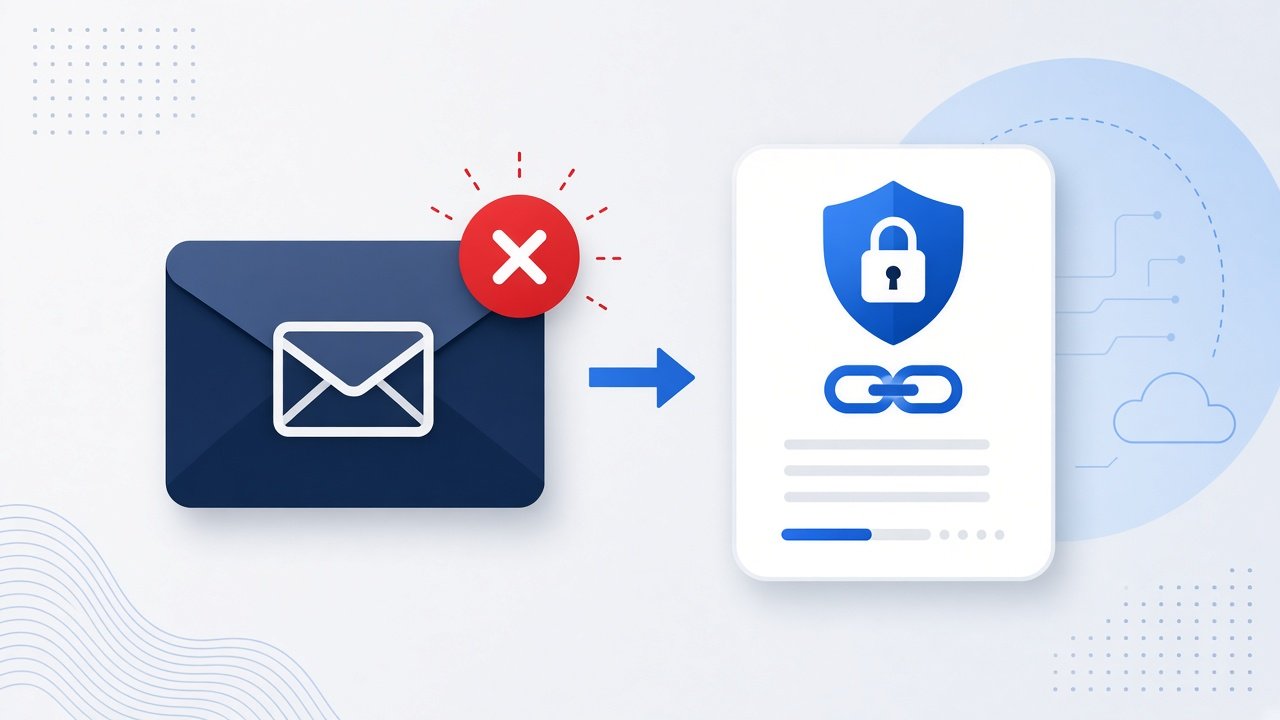
Email attachments are familiar, but they are often a poor fit for short lived files. Large messages bounce. Inboxes keep copies for months. Recipients forward threads with files still attached. When you only need someone to download a document, zip, or video for a limited time, a temporary file link is usually the cleaner path.
Attachment habits formed when files were small and inboxes were personal. Today a single video, design pack, or zip of assets can blow past provider limits, while the same file still does not deserve a permanent home in mail storage. Temporary links separate delivery from long term filing. You send access for the task at hand, then the link ends.
Where email attachments create friction
Size limits are the obvious problem. Many providers cap attachments, compress media, or reject zip files that look risky. Even when the send succeeds, the file now lives in multiple mailboxes. That makes cleanup hard and increases the chance an old attachment resurfaces during a later search or account compromise.
Attachments also mix delivery with storage. The person who needed the file for today's review still has it buried in last month's thread. Temporary sharing works the other way: deliver access, set a lifetime, and let the link expire.
Forwarding makes the problem worse. A client forwards your proposal to a colleague, who forwards it again. Each hop carries the full attachment. You cannot easily revoke that copy once it is in the mail stream. A temporary download URL does not erase every saved local copy, but it does stop new people from grabbing the file after the window closes.
There is also the quiet tax of bounced mail. You spend time shrinking PDFs, splitting zips, or switching to cloud drive sharing with more setup than the task deserves. For a one day review, that overhead is wasted. A temporary file link keeps the message light and the download path direct.
What a temporary file link should offer
A practical alternative to email attachments should feel as quick as attaching a file, with clearer control over how long access lasts:
- Upload one file without creating an account
- Choose a short lifetime such as 24 hours or seven days
- Support common documents, images, zip archives, and everyday video formats
- Optional open password for downloads that travel through shared channels
- A simple download page that shows the original filename and size
ShareSafeAI's secure file share tool is built for that workflow. You upload the file, pick the link lifetime, optionally set a password, and send the URL instead of the file itself. The download page should stay obvious so recipients see the filename, size, and a clear button without a tutorial.
How to replace an attachment with a temporary link
- Open secure file share and select the document, zip, image, or video you need to send.
- Choose 24 hours for quick handoffs or seven days when the recipient may not open it immediately.
- Add an open password if the email or chat thread is shared with more than one person.
- Create the link, copy it, and paste that URL into your message.
- Ask the recipient to download and save their own copy before the expiry time.
The message can stay short. You are no longer fighting attachment limits, and you are not leaving a permanent copy inside the mail system by default. A sentence like "download link below, valid for 24 hours" sets expectations and reduces follow up questions.
When temporary links work better than attachments
Use an expiring download for client PDFs, asset packs, spreadsheets for review, and short videos that do not need to live in an inbox. It is also useful when people on different devices need the same file without wrestling with desktop only mail attachments.
- Review packs that only matter before a meeting
- Large zips that email providers reject
- Videos too big for ordinary attachment limits
- Documents you do not want sitting in searchable mail forever
Keep expectations clear. A temporary link is not a backup. If the recipient needs the file later, they should save it locally before the clock runs out. Scripts and executables should stay blocked, which is how ShareSafeAI protects the host from becoming a malware drop.
A simple rule of thumb
If the file is only needed for a short task, prefer a temporary download URL over an attachment. If the file must remain searchable inside email forever, attachment may still be the right tool. Ask one question before you hit attach: does this file need to live in this inbox after the task ends? If the answer is no, upload it once through ShareSafeAI's free secure file share tool, paste the link, and let expiry handle the cleanup.
Try it on ShareSafeAI
Open the related tool and create a transfer or share link in your browser.
Open related tool